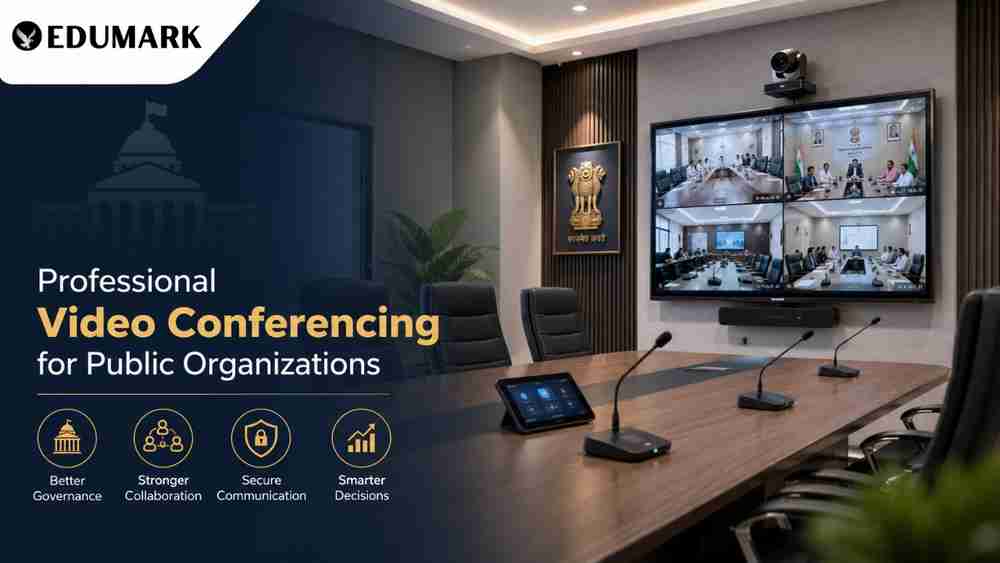
Snippet: Learn how government departments, PSUs, universities, and municipal bodies can set up a professional video conferencing room in 2026 with the right display, PTZ camera, audio system, lighting, network infrastructure, and expert support from Edumark Technologies.
Digital governance and hybrid collaboration have become essential for public organizations in 2026. Government departments, public sector undertakings (PSUs), municipal corporations, universities, and training institutes now conduct meetings, reviews, inspections, and training sessions through video conferencing platforms. A professionally designed video conferencing room ensures clear communication, secure discussions, and a better experience for both internal teams and external stakeholders.
In this complete guide, we explain how public organizations can plan and deploy a modern video conferencing room that is reliable, scalable, and compliant with government procurement practices.
Why Public Organizations Need a Dedicated Video Conferencing Room
A laptop webcam and speaker may work for occasional calls, but official meetings require a much higher standard of audio, video, and reliability.
Key benefits
- Clear communication between district, state, and central offices
- Reduced travel and accommodation expenses
- Faster decision-making and approvals
- Better coordination during emergencies and field operations
- Easy recording and documentation of meetings
- Support for online training, webinars, and virtual workshops
- Professional presentation during interactions with vendors, consultants, and senior officials
A dedicated conferencing room also improves productivity by providing a controlled environment with proper acoustics, lighting, and network connectivity.
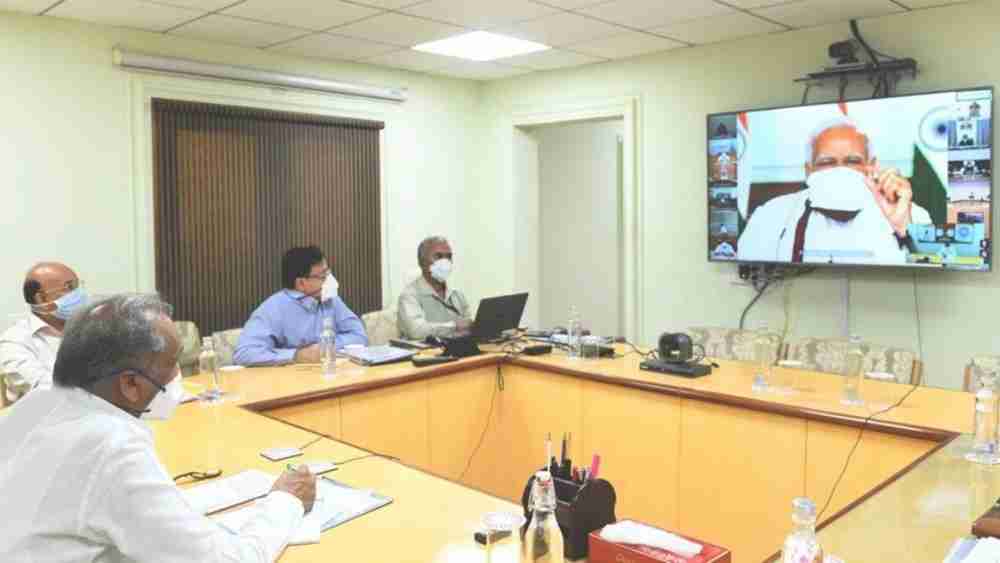
Step 1: Determine Room Size and Seating Capacity
The first step is to identify how many people will participate in meetings regularly.
Room type | Recommended capacity |
Small room | 4–6 people |
Medium room | 8–12 people |
Large room | 15–25 people |
Board room | 25+ people |
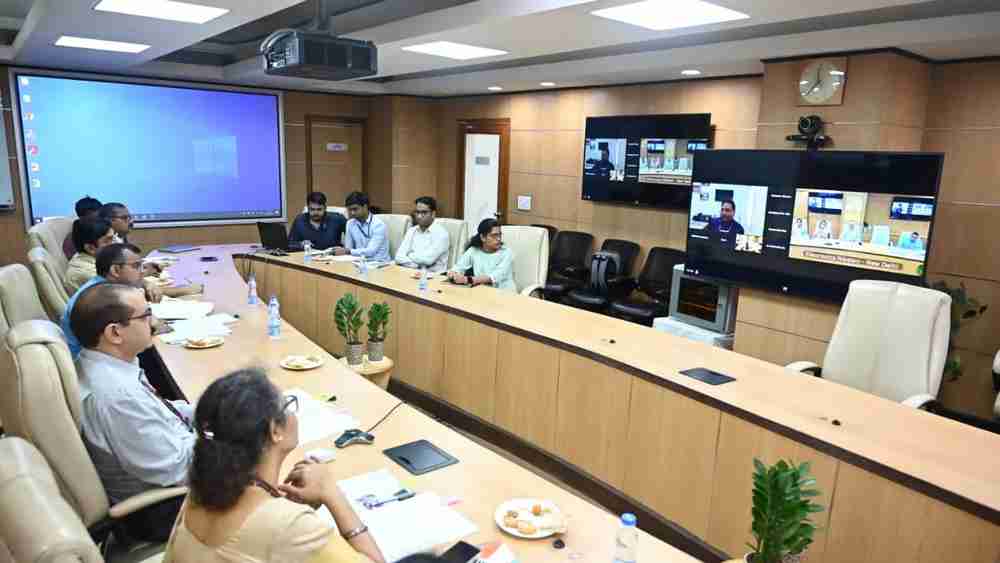
For most public offices, a medium-sized room (8–12 participants) is the most practical option because it supports departmental meetings, review sessions, and training activities without requiring excessive infrastructure.
Step 2: Select the Right Display
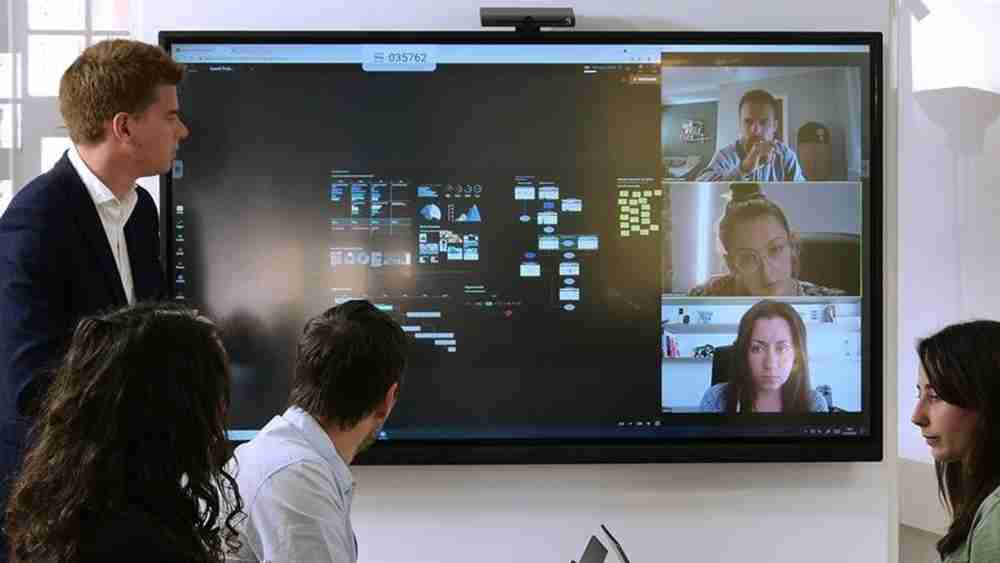
The display is the focal point of the conference room. In 2026, 4K displays and interactive flat panels are the preferred choice.
Recommended display sizes
- 65-inch for small rooms
- 75-inch for medium rooms
- 86-inch for large rooms and board rooms
Interactive flat panels allow officials to annotate documents, share presentations, and collaborate in real time. This is especially useful for universities, training centers, and planning departments.
Step 3: Install a Professional 4K PTZ Camera
A PTZ (Pan-Tilt-Zoom) camera is essential for capturing all participants clearly.
Features to look for
- 4K Ultra HD resolution
- 12x or 20x optical zoom
- AI auto-tracking
- Preset camera positions
- USB, HDMI, and IP connectivity
- Excellent low-light performance
The camera should be mounted at eye level, either above or below the display, to create natural communication during meetings.

Step 4: Use Dedicated Conference Audio Equipment
Audio quality is more important than video quality in most meetings. Public organizations should avoid using built-in laptop microphones.
Recommended audio setup
- Tabletop conference microphones
- Ceiling microphone arrays
- Echo cancellation processor
- Digital signal processor (DSP)
- Wall-mounted or ceiling speakers
For a medium-sized room, two tabletop microphones with built-in echo cancellation are usually sufficient to ensure every participant is heard clearly.
Step 5: Improve Room Acoustics
Echo and background noise can make meetings difficult to understand.
Acoustic improvements
- Install acoustic wall panels
- Use carpet or acoustic flooring
- Add fabric curtains on windows
- Avoid large uncovered glass surfaces
- Use acoustic ceiling tiles where possible
These changes significantly improve speech clarity and reduce listener fatigue during long meetings.
Step 6: Plan Proper Lighting
Lighting directly affects how participants appear on camera.
Best practices
- Use soft LED panel lights
- Place lights in front of participants
- Avoid strong backlighting from windows
- Maintain a neutral white color temperature (4000K–5000K)
- Use dimmable fixtures for flexibility
A well-lit room creates a professional appearance and helps the camera produce a sharp, clear image.
Step 7: Ensure Reliable Network Connectivity
A stable internet connection is critical for uninterrupted conferencing.
Recommended network specifications
- Minimum bandwidth: 100 Mbps dedicated connection
- Preferred: 200 Mbps or higher
- Use wired Ethernet instead of relying only on Wi‑Fi
- Install a business-grade router and managed switch
- Keep a 4G/5G backup connection for emergencies
Public organizations should also coordinate with their IT department to configure firewall and security policies for video conferencing platforms.
Step 8: Choose the Right Conferencing Platform
Most public organizations use one or more of the following platforms:
- Microsoft Teams – ideal for organizations using Microsoft 365
- Zoom for Government – suitable for large meetings and webinars
- Google Meet – useful for educational and administrative use
- Cisco Webex – preferred for enterprise-grade security
Choose a platform that supports recording, screen sharing, participant management, and integration with existing IT systems.
Step 9: Add Essential Accessories
These accessories improve usability and reliability:
- Wireless presentation system
- HDMI input panel on the conference table
- Touch control panel
- UPS (uninterruptible power supply)
- Cable management system
- Meeting room scheduler display (optional)
- Cloud or local recording storage
A UPS is especially important in areas where power fluctuations are common.
How Edumark Technologies Helps Public Organizations
Setting up a professional conferencing room involves much more than purchasing equipment. Edumark Technologies provides complete end-to-end solutions for government departments, PSUs, universities, municipal corporations, and public training centers.
Services offered by Edumark Technologies
- Room assessment and consultation
- 4K PTZ camera installation
- Interactive flat panel deployment
- Conference microphone and speaker setup
- Network and connectivity planning
- Integration with Teams, Zoom, Google Meet, and Webex
- Staff training and user onboarding
- Annual maintenance and technical support
- Assistance for GeM (Government e-Marketplace) procurement projects
With professional installation and testing, organizations can start using the conferencing room immediately without technical complications.
Recommended Setup for a Medium-Sized Public Office
Component | Recommended specification |
Display | 75-inch 4K interactive panel |
Camera | 4K PTZ camera with 12x zoom |
Microphones | 2 tabletop conference microphones |
Speakers | Ceiling or wall-mounted speakers |
Control | Touch control panel |
Network | Wired Gigabit Ethernet |
Power backup | 1–2 kVA UPS |
This setup is ideal for district offices, municipal corporations, universities, and administrative departments.
Common Mistakes to Avoid
- Using consumer webcams in large rooms
- Ignoring room acoustics
- Placing microphones too far from participants
- Depending only on Wi‑Fi
- Installing insufficient lighting
- Choosing a display that is too small
- Skipping user training and testing
A professional system should always be tested with real meeting scenarios before official deployment.
Conclusion
A professional video conferencing room is no longer a luxury for public organizations—it is a critical infrastructure investment for efficient governance and administration. By selecting the right display, PTZ camera, audio system, lighting, and network infrastructure, organizations can create a secure and future-ready communication environment.
For government departments, PSUs, universities, and municipal bodies, partnering with an experienced solution provider like Edumark Technologies ensures smooth planning, installation, training, and ongoing support. A well-designed conferencing room improves collaboration, reduces operational costs, and enables public organizations to deliver faster and more effective services in the digital era.