Best Screen Recording Software for Teachers in 2026
Looking for the Best Screen Recording Software for Teaching?
Whether you're an online educator, school teacher, coaching institute, university professor, or EdTech creator, high-quality screen recording software is essential for creating engaging online classes.
From recording PowerPoint presentations to creating complete video lectures, the right software can dramatically improve your teaching experience.
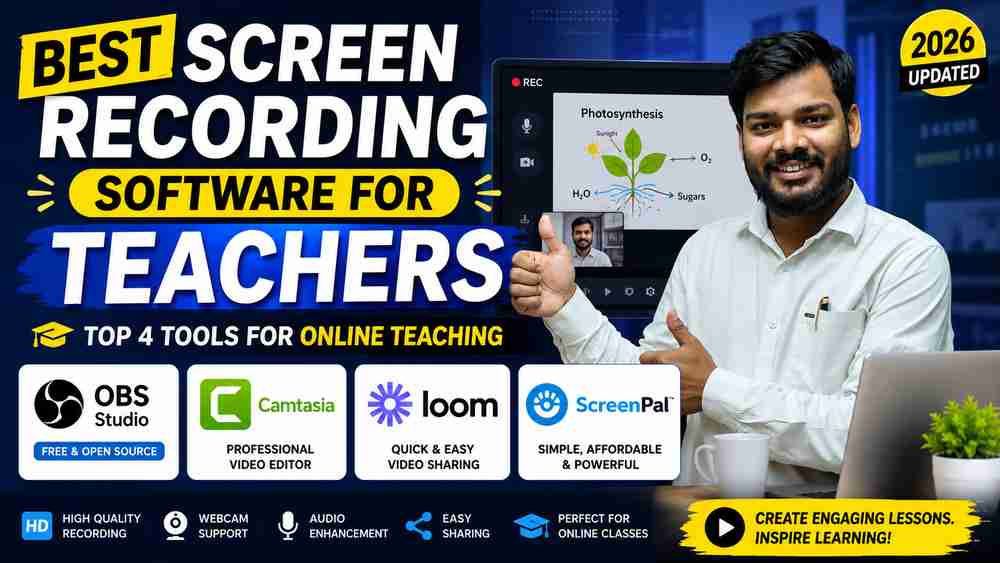
In this guide by Edumark Technologies, we've researched the most popular screen recording software and selected the Top 4 tools that teachers should use in 2026.
Why Teachers Need Screen Recording Software
Modern classrooms are becoming digital.
Teachers now need to:
- Record online lectures
- Create video tutorials
- Record PowerPoint presentations
- Make LMS content
- Explain software practically
- Record whiteboard lessons
- Create YouTube educational videos
- Build online courses
Good screen recording software saves time while improving student engagement.
Top 4 Best Screen Recording Software for Teachers
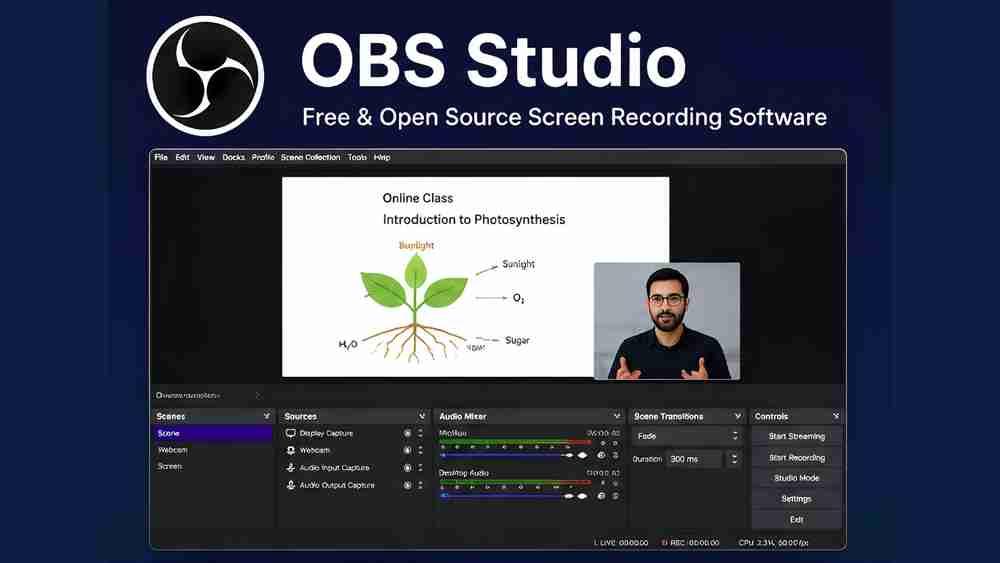
1. OBS Studio – Best Free Screen Recording Software
Best For: Online teachers, YouTubers, coaching institutes
Key Features
- 100% Free & Open Source
- Unlimited recording
- Record screen + webcam simultaneously
- Multi-screen recording
- Audio mixer
- Noise suppression
- Virtual Camera
- Live Streaming
- 1080p & 4K Recording
- Windows, Mac & Linux Support
Pros
Completely Free
No Watermark
Professional Quality
Perfect for YouTube Teaching
Ideal for Smart Classroom Recording
Cons
- Learning curve for beginners
- No built-in video editor
Best Choice For
Teachers who want professional-quality recordings without spending money.
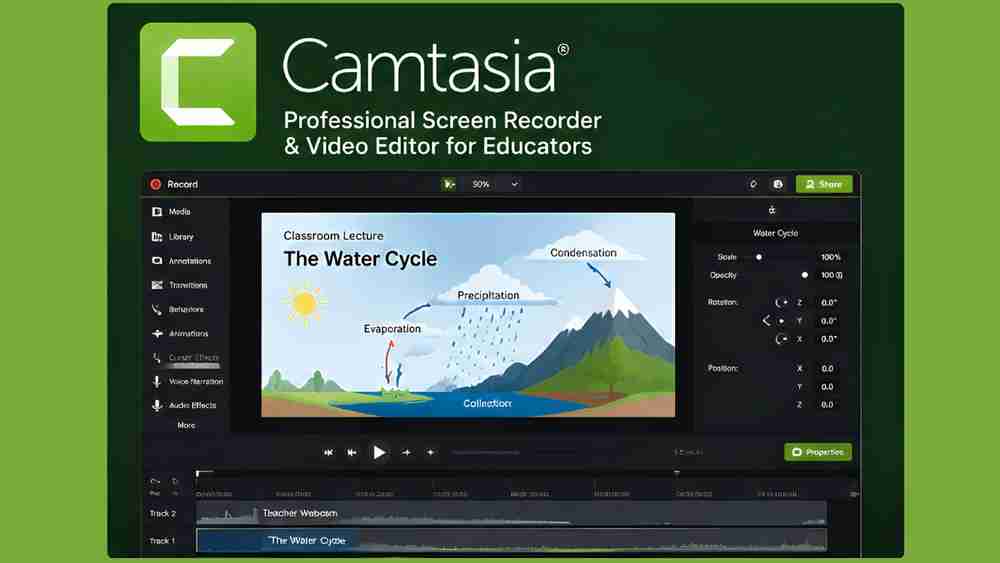
2. Camtasia – Best Professional Screen Recorder for Teachers
Best For: Course creators & educational institutions
Key Features
- Screen Recording
- Built-in Video Editing
- Cursor Effects
- Animations
- Callouts
- Quizzes
- Green Screen Support
- PowerPoint Recording
- Audio Enhancement
- Professional Templates
Pros
Beginner Friendly
Powerful Video Editing
Excellent Educational Features
Professional Output
Cons
- Premium pricing
- Requires a reasonably powerful PC
Best Choice For
Teachers creating premium online courses, recorded classes, and educational YouTube videos.
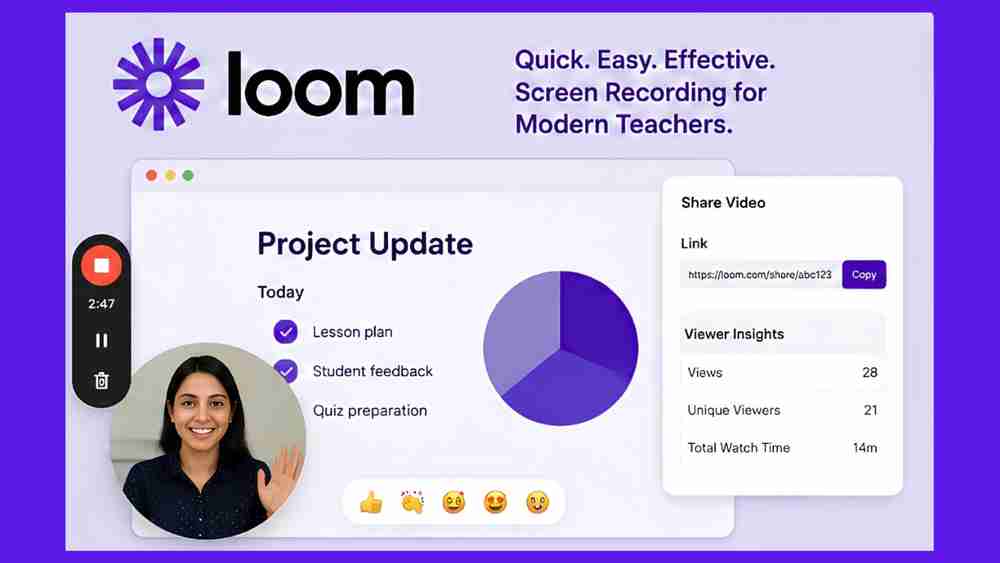
3. Loom – Best for Quick Online Teaching Videos
Best For: Remote teaching and instant sharing
Key Features
- One-click recording
- Screen + Webcam
- AI-generated transcripts
- Instant sharing link
- Viewer analytics
- Cloud storage
- Chrome Extension
- Team collaboration
Pros
Extremely Easy
Instant Video Sharing
Great for Online Classes
No Technical Skills Needed
Cons
- Recording limits on free plan
- Limited advanced editing
Best Choice For
Teachers who frequently send explanations to students or create quick classroom updates.
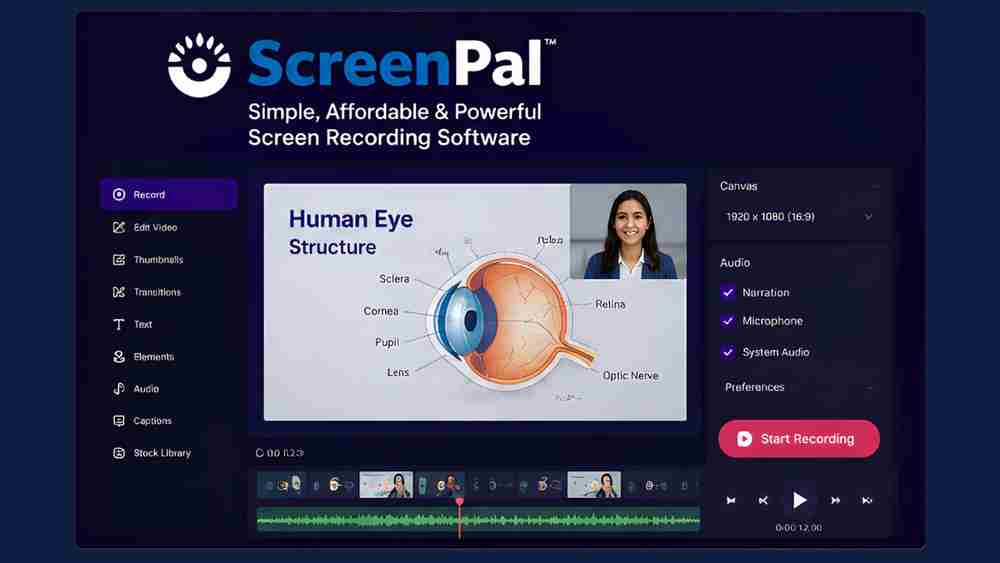
4. ScreenPal – Best Budget Screen Recorder
Best For: Schools and coaching institutes
Key Features
- Screen Recording
- Webcam Recording
- Basic Video Editing
- Captions
- Stock Library
- Cloud Hosting
- Annotation Tools
- Audio Recording
Pros
Affordable
Easy Interface
Good Editing Features
Suitable for Beginners
Cons
- Advanced features require paid plans
Best Choice For
Teachers looking for an affordable all-in-one solution.
Quick Comparison Table
Software | Price | Editing | Webcam | Best For |
OBS Studio | Free | No | Yes | Professional Recording |
Camtasia | Paid | Yes | Yes | Course Creation |
Loom | Free + Paid | Basic | Yes | Quick Lessons |
ScreenPal | Free + Paid | Yes | Yes | Everyday Teaching |
Which Screen Recording Software is Best for Teachers?
If You Need Free Software - OBS Studio
If You Need Professional Editing - Camtasia
If You Need Quick Video Sharing - Loom
If You Need Budget-Friendly Features - ScreenPal
Tips for Recording Better Online Classes
- Record in Full HD (1080p)
- Use a good USB microphone
- Keep your webcam at eye level
- Use proper lighting
- Minimize background noise
- Keep slides clean and readable
- Record in a quiet room
- Test audio before recording
- Maintain consistent branding
Complete Teaching Studio Setup Recommended by Edumark Technologies
For the best online teaching experience, pair your screen recording software with:
- Interactive Smart Board
- PTZ Camera
- Wireless Microphone
- Studio Lighting
- High-Performance PC
- Streaming Monitor
- Acoustic Panels
- Digital Writing Tablet
- Video Conferencing Setup
Edumark Technologies provides complete online teaching studio solutions for schools, colleges, coaching institutes, universities, and individual educators across India.
Why Choose Edumark Technologies?
Edumark Technologies is one of India's trusted providers of professional educational technology solutions.
We specialize in:
- Online Teaching Studio Setup
- Smart Classroom Solutions
- Interactive Flat Panels
- PTZ Camera Installation
- Podcast Studio Setup
- Digital Classroom Solutions
- Live Streaming Studio
- Hybrid Classroom Solutions
Whether you're starting an online academy or upgrading your school's digital classroom, our experts help you build a professional teaching environment.
Frequently Asked Questions
Which is the best free screen recording software for teachers?
OBS Studio is the best free option because it offers unlimited recording, professional quality, and no watermark.
Which software is best for recording online classes?
OBS Studio and Camtasia are excellent choices depending on whether you prioritize free recording or integrated editing.
Can teachers record PowerPoint presentations?
Yes. OBS Studio, Camtasia, Loom, and ScreenPal all support PowerPoint recording.
Which screen recorder is easiest for beginners?
Loom is the easiest to use because it offers one-click recording and instant sharing.
Which software is best for YouTube educational videos?
OBS Studio for recording and Camtasia for editing make an excellent combination.
Final Verdict
Choosing the best screen recording software depends on your teaching style and budget.
- Best Free Overall: OBS Studio
- Best Professional Tool: Camtasia
- Best for Instant Sharing: Loom
- Best Budget Option: ScreenPal
If you're planning to build a professional online teaching studio in India, combining the right software with quality hardware can significantly improve your students' learning experience.
Need help setting up a complete online teaching studio? Contact Edumark Technologies for expert consultation on smart classrooms, PTZ cameras, interactive displays, studio lighting, microphones, and complete digital teaching solutions across India.