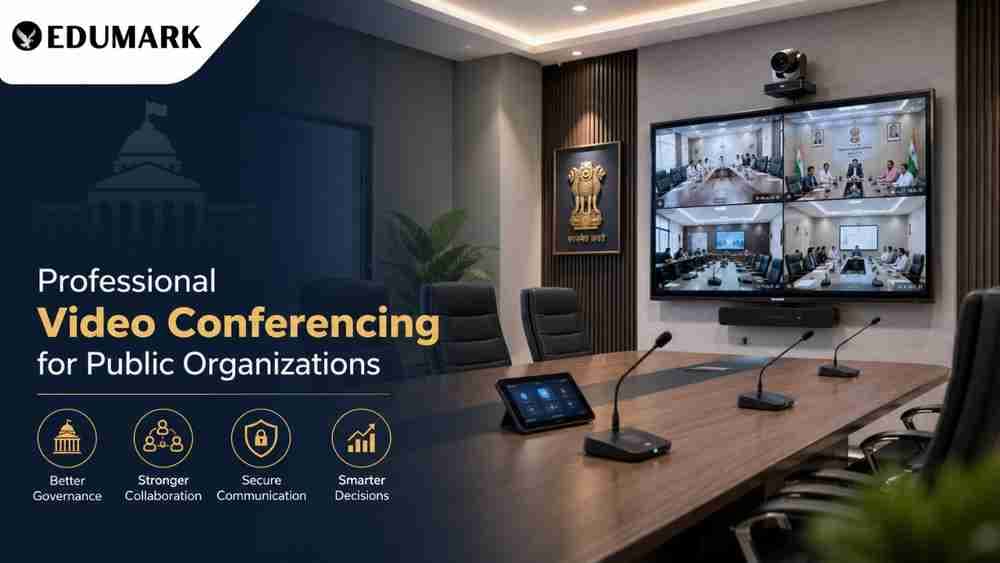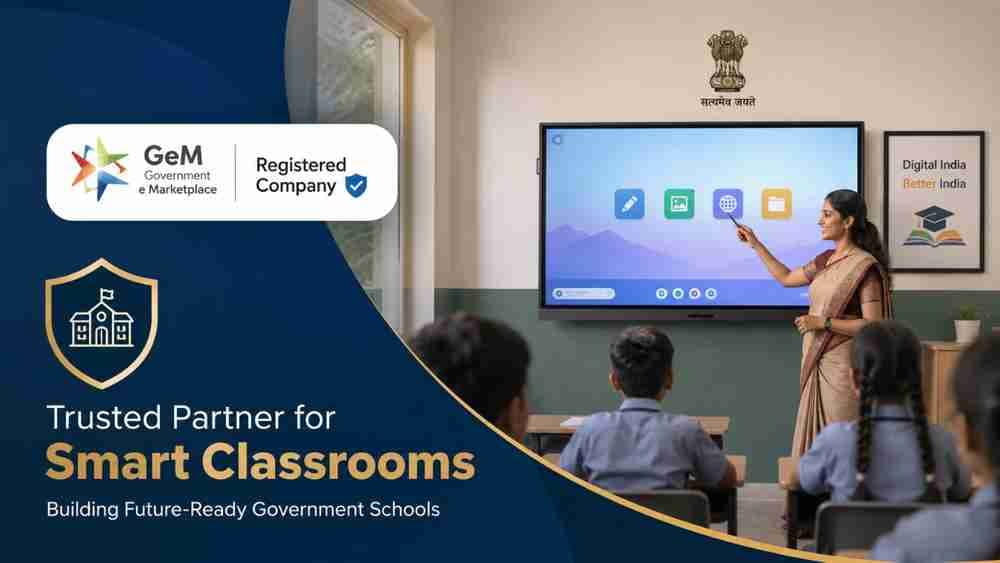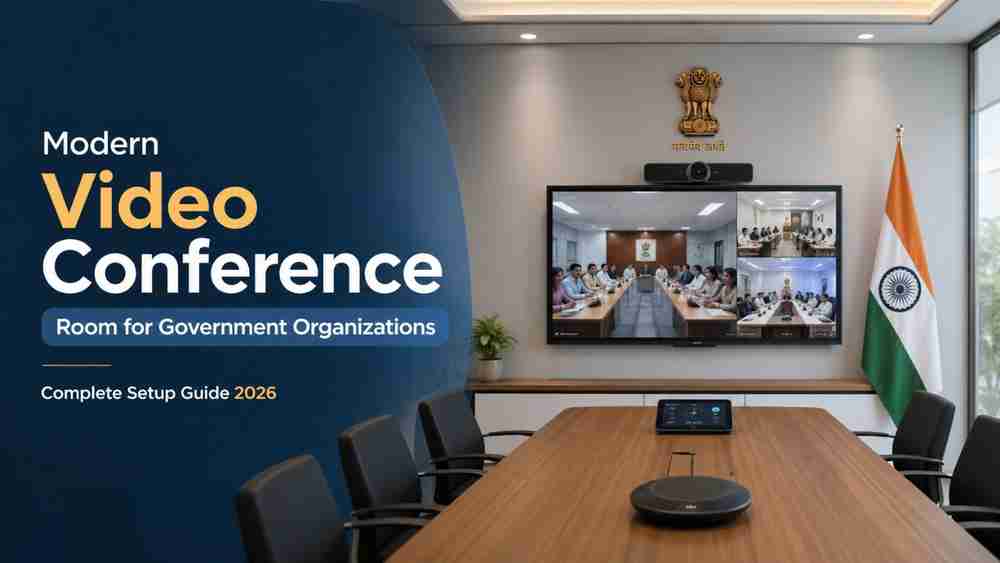
Learn how government organizations in India can create a professional video conferencing room using ATVI interactive boards, PTZ cameras, audio systems, and GeM-compliant procurement. Discover how Edumark Technologies, a GeM-registered company, helps government schools, colleges, universities, and public departments with complete installation, training, and long-term support.
Digital governance, online meetings, hybrid training, and remote collaboration have become essential for government organizations across India. Ministries, district offices, municipal corporations, universities, ITIs, and government schools now require professional video conferencing rooms that support platforms such as Zoom, Google Meet, and Microsoft Teams.
A properly designed conference room improves communication, reduces travel expenses, enables faster decision-making, and supports training programs across multiple locations. In this guide, we explain how Indian government organizations can set up a modern video conferencing room and how Edumark Technologies can help with GeM-compliant implementation and support.
Why Government Organizations Need Video Conferencing Rooms
Government institutions use video conferencing for:
- Inter-department meetings
- District and state-level reviews
- Teacher training programs
- University and college coordination
- Hybrid classrooms and online lectures
- Public grievance hearings
- Administrative and financial reviews
- National and state project monitoring
With the Government of India promoting digital governance, investing in a reliable conferencing infrastructure has become a long-term requirement rather than an optional upgrade.
Step 1: Choose the Right Room
The room should be selected according to the number of participants.
Room Type | Participants |
Small Meeting Room | 4–6 |
Medium Conference Room | 8–15 |
Large Government Hall | 20–50+ |
For best results, the room should have:
- Proper ventilation
- Acoustic treatment or soft furnishings
- Adequate lighting
- Stable power supply
- Wired internet connectivity
Step 2: Install an Interactive Display
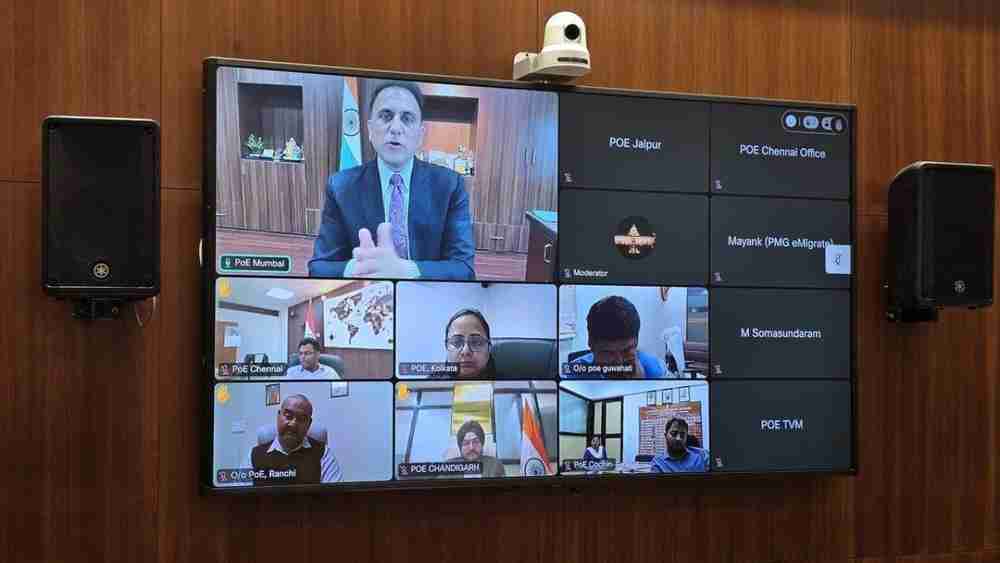
A large interactive display is the heart of a modern government conference room.
Recommended: ATVI Interactive Flat Panel
ATVI interactive boards are suitable for government offices, universities, and training centers because they offer:
- 4K Ultra HD display
- Multi-touch support
- Wireless screen sharing
- Annotation and whiteboard tools
- Android and Windows compatibility
- Integration with Zoom, Teams, and Google Meet
For medium-sized conference rooms, a 75-inch or 86-inch ATVI panel is generally recommended.
Step 3: Use a PTZ Camera
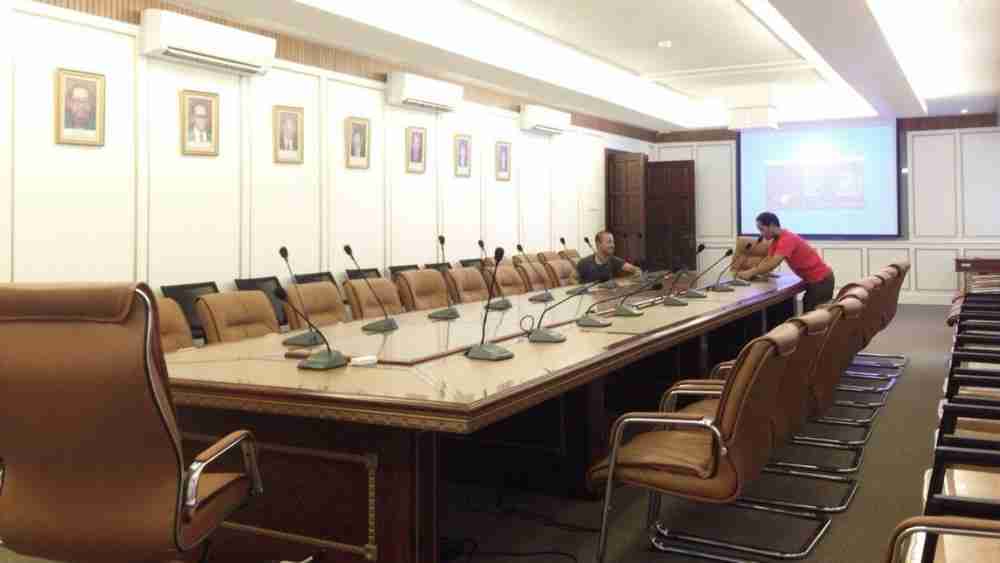
A PTZ (Pan-Tilt-Zoom) camera ensures that all participants remain clearly visible during meetings.
Important Features
- 4K video quality
- 10x or 20x optical zoom
- Auto-framing
- Preset camera positions
- USB and HDMI connectivity
- Low-light performance
This is especially useful for district review meetings, university seminars, and training sessions where speakers frequently change.
Step 4: Install a Professional Audio System
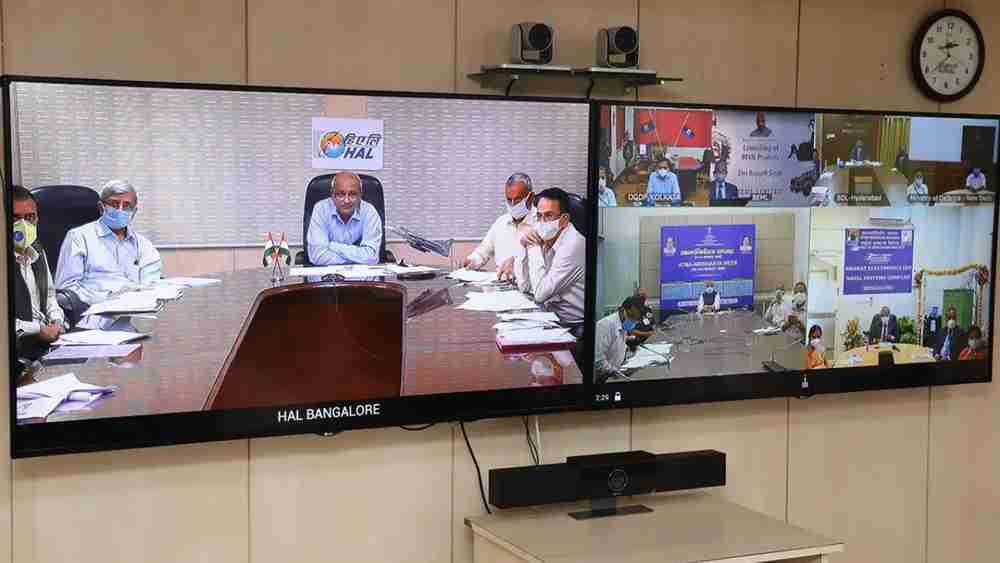
Poor audio is the most common reason for failed online meetings.
Recommended Setup
- Ceiling or table microphones
- Echo cancellation processor
- Wall-mounted or ceiling speakers
- Wireless microphone for presenters
A properly designed audio system ensures that remote participants can hear every speaker clearly, even in large rooms.
Step 5: Lighting and Camera Position
Use LED panel lights with neutral white color temperature (4000K–5000K). Avoid placing bright windows directly behind participants, as this creates silhouettes.
Camera Placement
- Mount the camera at eye level
- Position it above the interactive display
- Ensure the entire meeting table is visible
Step 6: Network and Power Infrastructure
For uninterrupted meetings, use:
- Minimum 100 Mbps broadband or leased line
- Wired LAN connection for the conference PC
- UPS backup (30–60 minutes)
- Surge protection
- Dedicated electrical circuit
Government organizations should also coordinate with their IT department for firewall and network security policies.
Step 7: Conference PC or OPS
A dedicated system is required to run video conferencing applications smoothly.
Suggested Configuration
- Intel Core i5 / i7 processor
- 16 GB RAM
- 512 GB SSD
- Windows 11 Pro
- HDMI and USB 3.0 ports
ATVI also provides OPS (Open Pluggable System) modules that can be installed directly inside compatible interactive panels for a cleaner setup.
Step 8: Procurement Through GeM
Most government organizations purchase equipment through the Government e-Marketplace (GeM), which provides a transparent procurement process.
Benefits of GeM Procurement
- Verified sellers
- Standardized pricing
- Faster purchase approvals
- Digital documentation
- Warranty tracking
- Reduced tender complexity for eligible categories
Edumark Technologies is officially registered on the GeM portal and provides GeM-compliant quotations and procurement support.
How Edumark Technologies Helps Government Organizations
Edumark Technologies provides end-to-end video conferencing and smart classroom solutions for:
- Government schools
- Colleges and universities
- ITIs and polytechnics
- District education offices
- Municipal corporations
- Training institutes
- Public sector organizations
Services Offered
- Site inspection and room assessment
- Technical specification preparation
- ATVI interactive panel supply
- PTZ camera and audio integration
- Installation and testing
- Teacher and staff training
- AMC and technical support
- GeM procurement assistance
According to the official Edumark website, the company supports government institutions with consultation, installation, training, and long-term maintenance services across India.
How Edumark Helps Government Schools
Government schools often require hybrid teaching and digital classroom infrastructure. Edumark helps schools by:
- Designing smart classroom layouts
- Selecting the right ATVI interactive board
- Installing PTZ teaching cameras
- Setting up classroom audio systems
- Training teachers to use digital tools
- Providing after-sales support and AMC
This allows schools to conduct online classes, teacher training, recorded lectures, and hybrid learning programs effectively.
Estimated Budget in India (2026)
Component | Estimated Cost |
ATVI 75-inch Interactive Panel | ₹1,20,000 – ₹1,80,000 |
PTZ Camera | ₹35,000 – ₹90,000 |
Audio System | ₹25,000 – ₹80,000 |
Conference PC / OPS | ₹40,000 – ₹70,000 |
UPS & Networking | ₹15,000 – ₹40,000 |
Total | ₹2.5 – ₹4.5 lakh |
The final cost depends on room size, camera quality, and audio requirements.
Best Practices for Government Departments
- Standardize equipment across offices
- Keep spare HDMI and USB cables
- Maintain a dedicated conference room schedule
- Train at least two staff members
- Conduct monthly system testing
- Renew AMC before warranty expiry
Conclusion
Setting up a professional video conferencing room is now an essential infrastructure investment for government organizations in India. By using ATVI interactive boards, PTZ cameras, professional audio systems, and reliable network infrastructure, departments can conduct efficient online meetings, training sessions, and hybrid programs.
For institutions looking for a GeM-compliant implementation partner, Edumark Technologies offers complete consultation, procurement support, installation, training, and maintenance services for government schools, colleges, universities, and public organizations across India. With its official GeM registration, Edumark helps institutions simplify the procurement process while ensuring reliable technical support and long-term performance.
Contact Edumark Technologies
Edumark Technologies – Smart Classroom & Video Conferencing Solutions
- Website: www.edumarktechnologies.com
- Email: info.edumarktechnologies.com
- Phone:+91 8002805641
- Service Area: Pan India
- GeM Status: Officially Registered on Government e-Marketplace (GeM)
The contact details above are listed on the official Edumark Technologies website and support pages.